
Mumbai University Samarth Portal: Admission, Login & Form Guide 2026
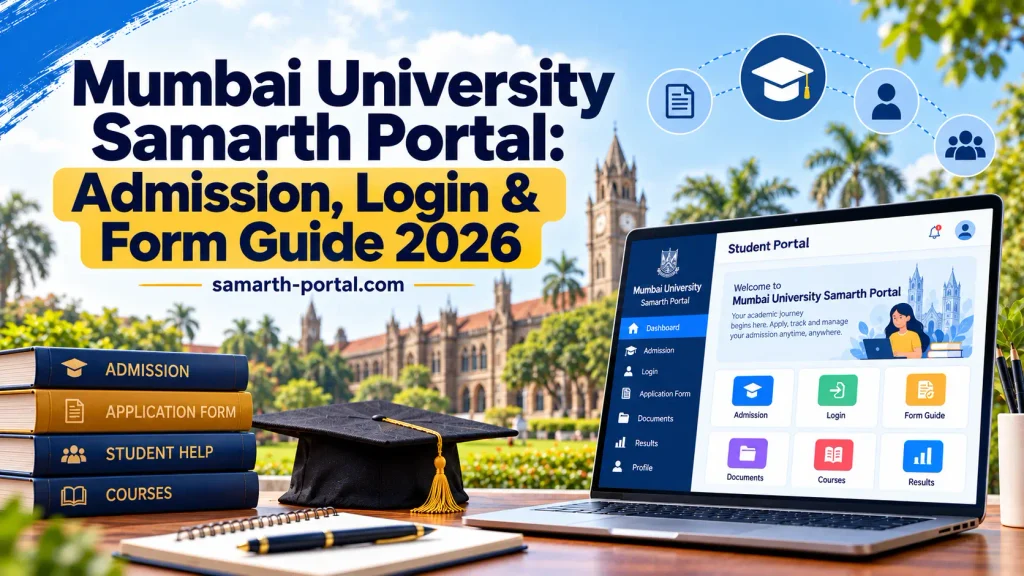
Mumbai University Samarth Portal is a online digital platform designed to provide a range of university services to students, colleges, and administrators. The portal provides students a single online system that assists them with admission related activities, submission of applications, important updates and management of academic information. Mumbai University students can get their work done easily by using the Samarth Portal which gives them the option to complete their processes without visiting university offices physically. From registration to application tracking, the platform streamlines university services, making them more efficient, easier and transparent.
Disclaimer: Samarth-Portal.com is not affiliated with Mumbai University or any government organization. This guide is created for informational purposes only to help students understand the Mumbai University Samarth Portal process. Always verify the latest information, admission dates, notifications, and updates from the official Mumbai University website.
Mumbai University Samarth Portal Admission Process 2026-27 (Step by Step Guide)
The Mumbai University Samarth Portal admission process is completed online. Students need to register on the portal, fill out the application form, upload required documents, select their preferred colleges and courses, pay the application fee, and complete the final admission process. Below is a simple step by step guide explaining the complete admission process.
Mumbai University Admission Process Overview
|
Admission Step |
Process |
|---|---|
|
Step 1 |
Create an Account on Samarth Portal |
|
Step 2 |
Fill Online Admission Application Form |
|
Step 3 |
Upload Required Documents |
|
Step 4 |
Select College and Course Preferences |
|
Step 5 |
Pay Application Fee |
|
Step 6 |
Check Merit List and Admission Status |
|
Step 7 |
Confirm Final Admission |
Step 1: How to Register on Mumbai University Samarth Portal?
Students must first create an account on the Mumbai University Samarth Portal to start the admission process.
Details Required for Registration:
- Active mobile number
- Valid email address
- Personal details
- Date of birth
- Aadhaar details (if required)
- Previous academic information
Registration Process:
- Step 1: Visit the official Mumbai University Samarth Portal website muugadmission.samarth.edu.in
- Step 2: Click on the “New Registration” option.
- Step 3: Enter your basic details, including your name, mobile number, and email address.
- Step 4: Verify your mobile number or email ID using the OTP received.
- Step 5: Create a password and complete the registration process.
After successful registration, students can log in using their registered credentials.
Step 2: How to Fill Mumbai University Admission Application Form?
After registration, students need to complete the online admission application form.
Personal Details Section
Students need to provide:
- Full name
- Father’s/Mother’s name
- Date of birth
- Category details
- Address information
- Contact details
Academic Details Section
Students need to enter their educational information:
- Class 10 details
- Class 12 details
- Board name
- Passing year
- Marks/percentage
- Subject information
Students should carefully check all details before submitting the form because incorrect information may create problems during admission.
Step 3: Upload Required Documents on Samarth Portal
Students must upload the required documents to complete their admission application.
Common Documents Required:
- Recent passport size photograph
- Signature
- Class 10 marksheet
- Class 12 marksheet
- School leaving certificate
- Category certificate (if applicable)
- Domicile certificate (if required)
- Other supporting documents
Photo Upload Requirements:
- Upload a recent and clear photograph
- Follow the required size and format
- Use a simple background
Signature Upload Requirements:
- Signature should be clear and visible
- Upload according to the given size and format requirements
Always check uploaded documents before moving to the next step.
Step 4: Select College and Course Preferences
After completing the application form, students need to select their preferred colleges and courses through the Mumbai University Samarth Portal.
Things to Consider While Choosing Preferences:
- Select courses according to your interest
- Check college location and facilities
- Review previous admission cut offs
- Add multiple preferences for better chances
Students should arrange their choices according to priority.
Example:
- First Preference – Most preferred college
- Second Preference – Alternative choice
- Third Preference – Backup option
Step 5: Pay Mumbai University Application Fee
After completing the application form and selecting preferences, students need to pay the admission application fee.
Available Payment Options:
- Debit Card
- Credit Card
- UPI
- Net Banking
After successful payment:
- Download the payment receipt
- Save the application confirmation
- Keep a copy for future reference
If payment fails, check the transaction status before making another payment.
Step 6: Check Mumbai University Merit List
After submitting the application, Mumbai University or affiliated colleges release the merit list.
Students can log in to the Samarth Portal to check:
- Merit list status
- College allocation details
- Admission updates
- Selection status
Students who are selected need to complete the next admission steps within the given timeline.
Step 7: Confirm Your Final Admission
After selection in the merit list, students need to confirm their admission.
Admission Confirmation Process:
- Step 1: Check your allotted college.
- Step 2: Pay the required admission fee.
- Step 3: Complete document verification.
- Step 4: Receive admission confirmation from the college.
Once verification is completed, the admission process will be considered complete.
Mumbai University Samarth Portal (Common Problems and Solutions)
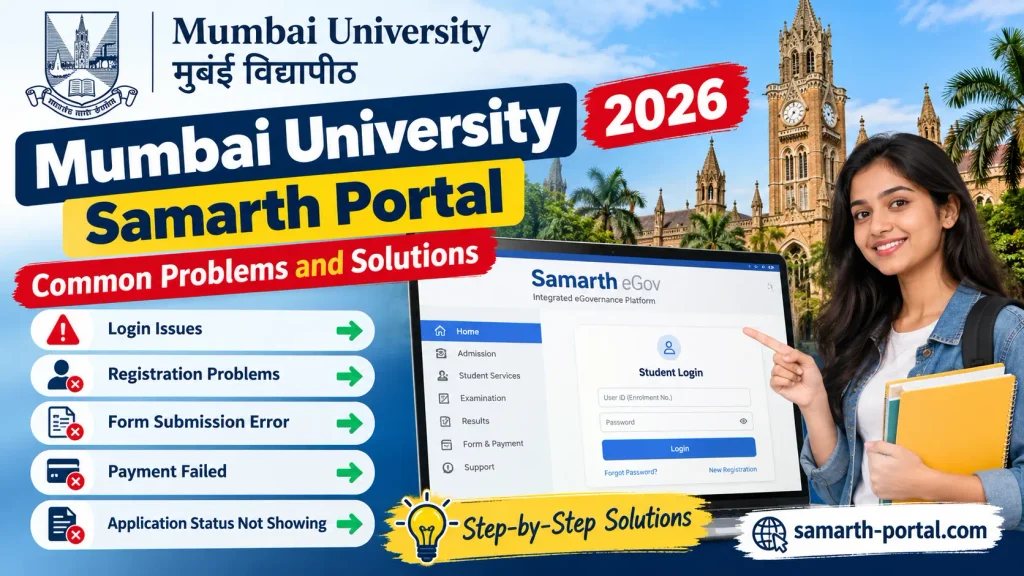
While using the Mumbai University Samarth Portal, students may face some common technical issues during registration, application submission, document upload, login, or fee payment. Below are the most common problems and simple solutions that can help students complete their admission process smoothly.
Photo/Document Upload Issue
- Check the file size – it should be within the portal’s allowed limit.
- Upload documents in the correct format (JPG/JPEG/PDF as required).
- Make sure the document is clear and readable.
- Clear browser cache and try again.
- Try uploading from a different browser or device if the issue continues.
Unable to Login
- Check your registered email ID/mobile number and password carefully.
- Make sure Caps Lock is turned off while entering the password.
- Use the “Forgot Password” option to reset your password.
- The portal may be slow during peak hours – try again later.
- Refresh the page and attempt to login again.
OTP Not Received
- Check your mobile network connection.
- Wait for 2 to 3 minutes and request OTP again.
- Use the “Resend OTP” option.
- Confirm that your registered mobile number/email ID is correct.
- Avoid requesting OTP multiple times continuously.
Payment Related Issues
- Payment pending but money deducted → Wait for some time, as the status may update automatically.
- Multiple deductions → Check your bank transaction details and contact support if required.
- Download and save the payment receipt after successful payment.
- Do not make another payment immediately if the first transaction is pending.
- Contact the university/payment gateway support for unresolved issues.
Application Form Submission Problem
- Check that all required fields are completed.
- Verify that all necessary documents are uploaded correctly.
- Ensure you have a stable internet connection.
- Try submitting the form using another browser.
- Save a copy of the submitted application form for future reference.
Mumbai University Admission Helpline
Students who face any problem during the Mumbai University Samarth Portal admission process can contact the university support team for help. The admission helpline provides assistance related to registration, application forms, document upload, payment issues, and other admission related queries. Students can visit the official Mumbai University website for updated contact details and support information.
Conclusion
The Mumbai University Samarth Portal has made the admission process easier, faster, and more convenient for students. By completing registration, filling out the application form, uploading documents, selecting preferences, and following the required steps carefully, students can complete their admission process smoothly. Students should always check the official portal for the latest updates, important dates, and admission notifications. Keeping documents ready and providing correct information can help avoid problems during the admission process.