
VBSPU Samarth Portal: Complete Student Guide for Login & Exams
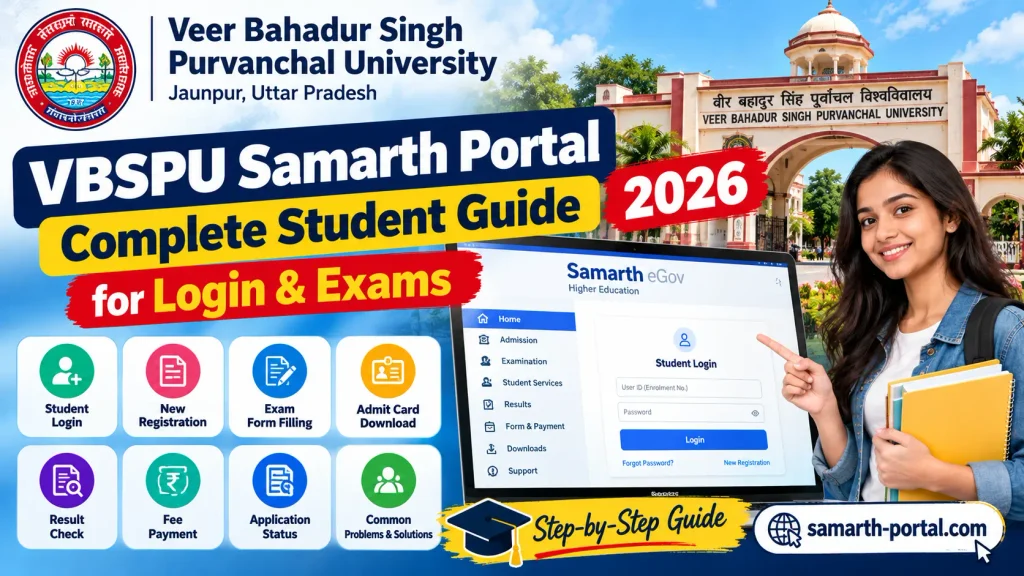
If you are a student of Veer Bahadur Singh Purvanchal University (VBSPU) and want to access university related services online, the VBSPU Samarth Portal can help you manage various academic tasks easily. This online platform allows students to access important services such as admission, registration, academic information, and other university related activities from one place.
The VBSPU Samarth Portal makes the learning and administrative process more simple, fast, and convenient for students. In this guide, we will explain everything you need to know about the VBSPU Samarth Portal login process, registration steps, available services, password recovery, and other important details to help you use the portal without any difficulty.
Disclaimer: Samarth-Portal.com is an independent informational website and is not affiliated with VBSPU or any government organization. The information provided on this website is for educational and guidance purposes only. Students are advised to verify all official details, notifications, and updates from the official VBSPU website.
What is the VBSPU Samarth Portal?
The VBSPU Samarth Portal is an online student platform designed for Veer Bahadur Singh Purvanchal University (VBSPU), Jaunpur. It is powered by the Samarth eGov Suite, which helps students access various university services through a single digital platform. Students can visit the official portal at https://vbspu.samarth.edu.in/ to access important services such as online registration, admission related activities, examination forms, fee details, admit cards, and other academic updates.
The portal makes university processes easier by allowing students to complete many tasks online without visiting the university office. It provides a simple and convenient way for students from VBSPU and its affiliated colleges to stay connected with important academic services. With the Samarth Portal, students can save time, manage their university related work efficiently, and get access to essential information from anywhere.
How to Register and Login to the VBSPU Samarth Portal?
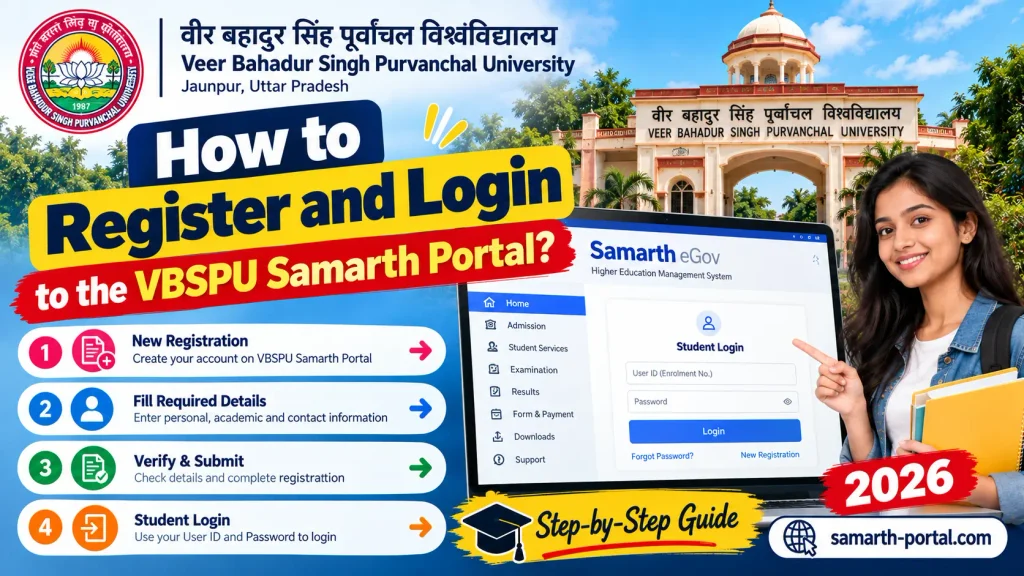
Students can easily create an account and sign in to the VBSPU Samarth Portal through the official website. The process is simple, but students should enter the same details that are available in their university or college records.
VBSPU Samarth Portal Registration
- Visit the official website: vbspu.samarth.edu.in
- Click on the New Registration or registration option.
- Enter the required details, such as your name, enrollment number, course, date of birth, and registered mobile number.
- Check all the entered information carefully before submitting it.
- If you receive an OTP on your registered mobile number or email, verify the same.
- Create a password for your account.
- Submit the form to complete your registration.
- After successful registration, keep your login details safe for future use.
VBSPU Samarth Portal Login
- Open the official VBSPU Samarth Portal at vbspu.samarth.edu.in
- Click on the Login option.
- Enter your registered username, enrollment number, or other required login ID.
- Type your password correctly.
- Complete the captcha or verification step, if shown.
- Click on the Login button.
- Once you log in successfully, you will be redirected to your student dashboard.
- If you are unable to log in because of a forgotten password, use the password recovery feature on the portal to set a new password.
Key Services on the VBSPU Dashboard
The VBSPU Samarth Dashboard gives students access to several important academic services from one place. After logging in, students can use the available options to complete exam related tasks, check payments, download documents, and view academic updates.
Exam Form Submission
Students can use the VBSPU Samarth Portal to complete their examination form when the university opens the application window. After signing in, students should select the relevant examination option, review their course and subject details, and submit the form before the given deadline. Before submitting the form, it is important to check all entered information carefully. Students studying in affiliated colleges may also need their college to verify or approve certain details, depending on the university process.
Fee Payment
The dashboard may also provide an online option for paying applicable university or examination fees. Students should carefully check the amount and payment details before completing the transaction. After making a payment, it is a good idea to save the receipt or transaction reference for future use. If a payment is deducted but the portal does not immediately show a successful status, students should avoid making repeated payments and follow the instructions provided by the university or their college.
Admit Card Download
When admit cards are released, eligible students can usually access them through the VBSPU Samarth Portal. Students should log in to their account, open the relevant examination or admit card section, and download the available document. After downloading the admit card, check important information such as the student name, enrollment or roll number, subjects, examination date, and exam centre. If any information appears incorrect, contact the university or concerned college before the examination.
Result Check
Students may also be able to access examination results and related academic information through the dashboard when these services are made available by VBSPU. If a result is not visible immediately after the expected announcement, students should check the portal again later or refer to official university notifications. Result availability can vary according to the course, semester, and examination schedule.
Common Problems for VBSPU Students
Students may face slow loading, login errors, OTP issues, payment problems, or incorrect details on the VBSPU Samarth Portal. During busy periods, the portal may become slow because many students access it at the same time. It is better to complete important tasks before the deadline. If your personal or academic details are incorrect, contact your college administration for correction. For technical issues, try again after some time or follow the official support instructions.
VBSPU Helpline
If you face any issue with the VBSPU Samarth Portal, first contact your affiliated college for help. For university level problems, students can check the official VBSPU website for the latest contact and support details.
Conclusion
The VBSPU Samarth Portal is a useful online platform for students of Veer Bahadur Singh Purvanchal University and its affiliated colleges. It helps students manage important academic tasks such as exam form submission, fee payment, admit card download, result checking, and profile-related services from one place. To avoid problems, students should regularly check the portal, keep their login details safe, and complete important tasks before the deadline. It is also important to verify all personal and academic information before submitting any form or payment.
If students face issues like login errors, incorrect details, OTP problems, or payment delays, they should first contact their affiliated college or check the official university support channels. By using the portal carefully and on time, students can manage many university-related tasks more easily and save both time and effort.